
Setting Up Job Queues on Laravel Forge
There are certain times when we want to run code outside of the request lifecycle. For example, if a user signs up for our website and we want to send them an email, we don't want to wait until the email is sent before letting the user proceed. This is where job queues come into play. Laravel and Laravel Forge make setting up a queue extremely easy.
⚠️ Note
You will need access to Forge credentials in order to set up a queue worker. If you are not a team leader, then have them set this up.
To start a new queue worker, head to your project's page on Laravel Forge and open the "Queue" tab:
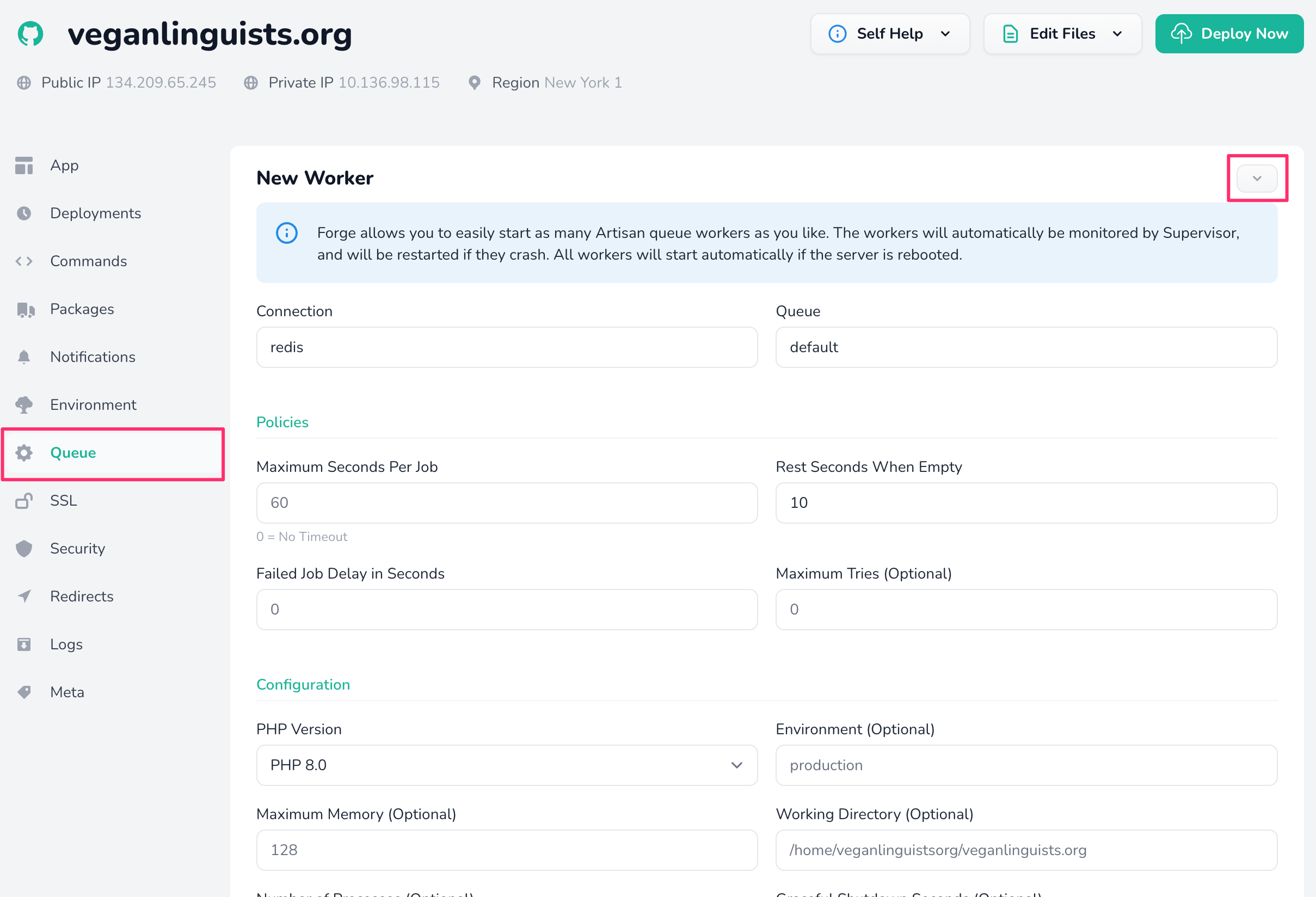
The default values should be fine. Only change them if you really know what you're doing! There is one exception, however:
If your project has zero-time deployments set up via Envoyer, you must manually set the working directory! All you need to do in this case is add /current to the default directory. For example, if your project is located at /home/exampleorg/example.org, then your working directory should be /home/exampleorg/example.org/current.